Hridayapoorvam, designing a coordination system for Kerala’s community meal network
DYFI Hridayapoorvam · Social innovation · Design Project I · NID Bengaluru 2026

Intro
Every day, families across Kerala pack a homemade meal for a stranger in hospital. I designed the system that helps those meals reach the right bed, on time.
Hridayapoorvam (“from the heart”) is the Democratic Youth Federation of India’s food initiative, where households cook an extra meal and volunteers carry it to patients and bystanders in government hospitals. The intent is huge, but coordination runs on phone calls and WhatsApp. In this social innovation project I mapped the system, found where it breaks, and designed a role-based app that connects households, volunteers, coordinators and hospitals.
- Role
- Research, systems mapping, UX & UI
- Timeline
- Design Project I · Semester 2
- Guide
- Dr. Mamata N. Rao
- Atul Dinesh
- Context
- DYFI Hridayapoorvam, Kerala
- Tools
- Figma, Miro, sketching, SUS testing
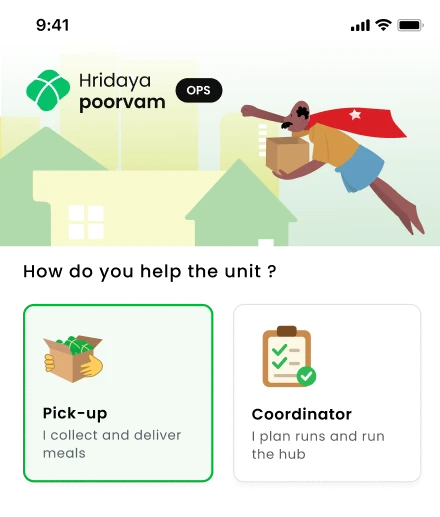
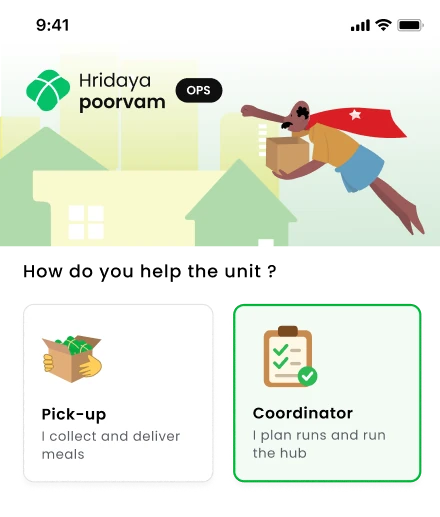
Household · Declare a mealPledge meals, mark them ready and hand them over, all from home. Volunteer · Run pickupsSign in, follow the route, then check the meals in at the drop point. Coordinator · Run the dayApprove the AI meal count, publish runs and dispatch the truck.


Scale of the initiative
50–70 lakh meals served across Kerala over 7 years, run almost entirely on calls, WhatsApp and goodwill. The system had enough intent. It lacked structured information flow.
Context
A meal beyond food
Behind every packet is a family that can’t afford to eat while a relative is in hospital, and another family that cooked for them.
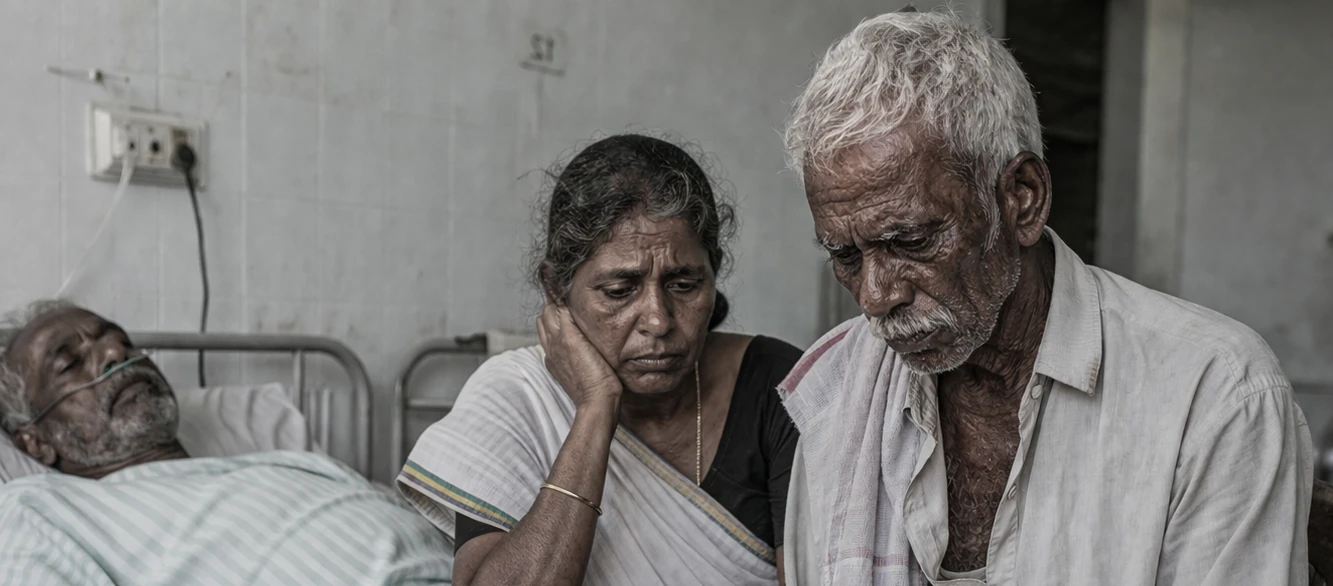
‘We live on daily wages , no work means no food. Now we’re here… treatment is free, but hunger follows us.’
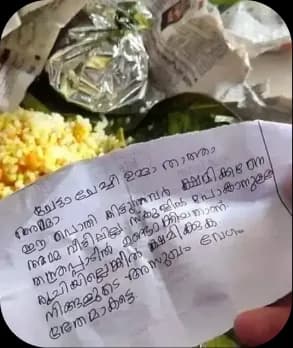
Note found in a meal packet (translated)
“Brother, Sister, Mother, Father… Grandmother… Mother was not at home. This was made in a hurry to go to school. If it doesn’t taste good, please forgive me. May your illness be cured quickly.”
Discovery
Mapping a wicked problem
Food access for economically weaker groups is shaped by reinforcing loops of access, awareness and systemic constraint. I mapped the Hridayapoorvam system to see where intent turns into waste.
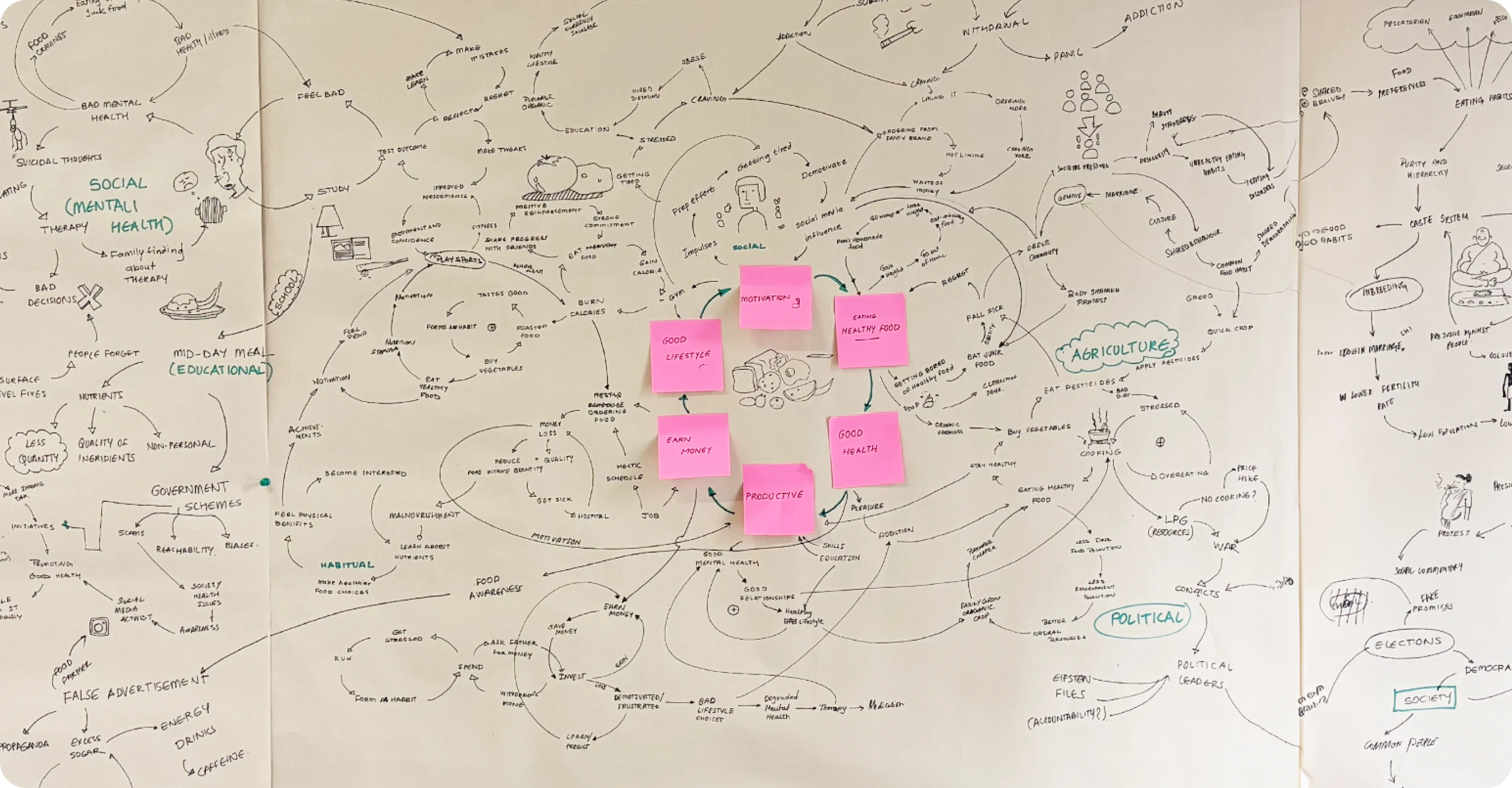
Reinforcing
Motivation loop
Visible patient support builds trust and social memory of service, which brings more households in.
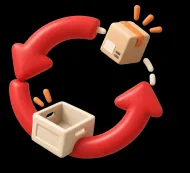
Reinforcing
Failure loop
Manual relay creates coordination gaps; missed pickups and shortages erode willingness to contribute.
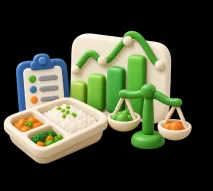
Balancing
Prediction control
OP data and past shortfalls predict demand, balancing declared meals against real need.
Leverage points
Three places where a small change moves the whole system
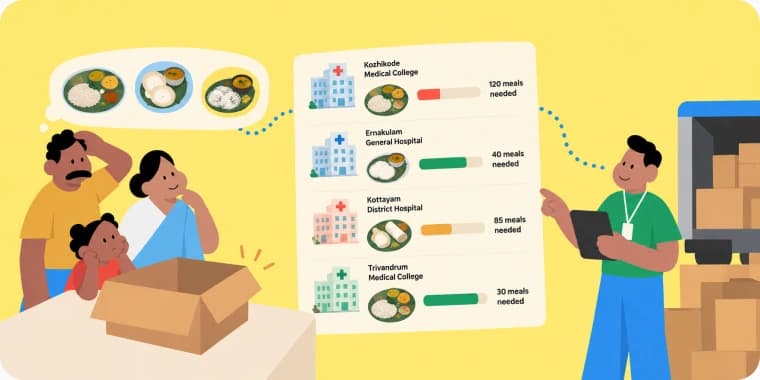
Information flow
Uncertainty to Prediction + visibility
Make demand and supply visible in real time so households cook the right amount and coordinators see gaps early.
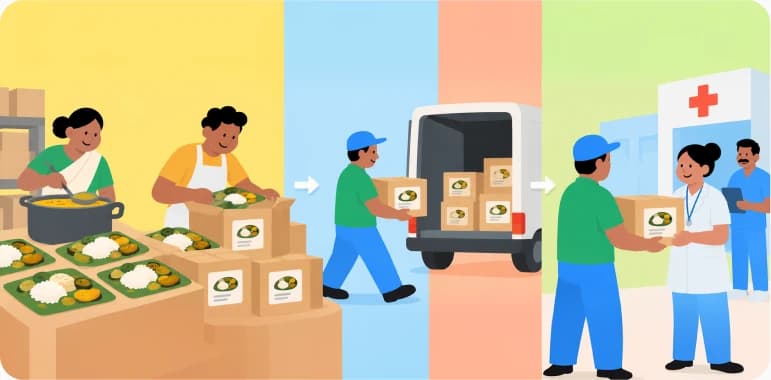
System structure
Chaos to Defined workflow
Replace ad-hoc calls with clear steps: declare, ready, pick up, deliver, with roles that know what to do next.
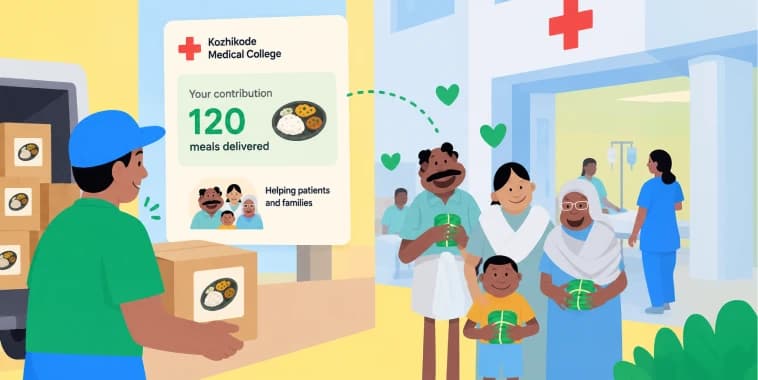
Motivation
Low participation to Impact feedback
Show contributors where their meal went and what it did, turning one-off help into a habit.
Stakeholders
Providers, volunteers and coordinators, each holding one piece of the chain
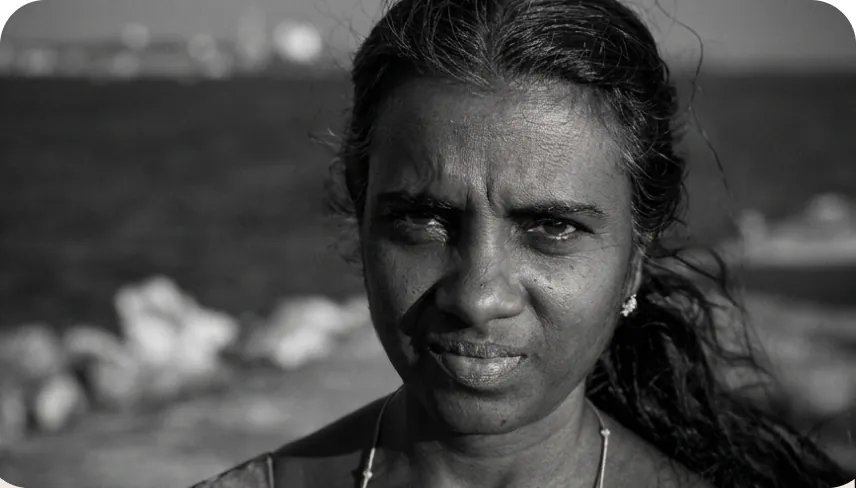
Beena CJSchool teacher
‘Lack of timely communication makes it difficult for working contributors to consistently participate’.
Meal Donator

Ajesh RajDYFI Activist
‘The system relies on local social connections, making it difficult to sustain participation in new or urban contexts’.
Pick-up Volunteer
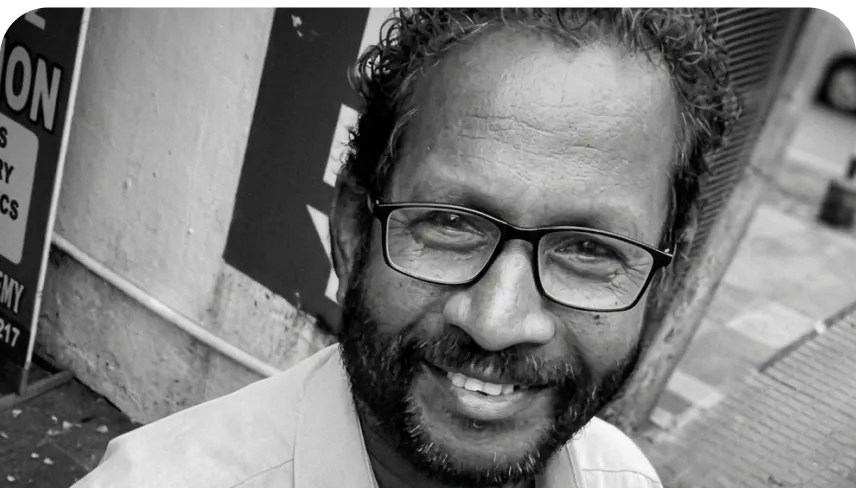
RajuLocal committee (CPIM)
‘Meal supply is stable, but lack of volunteers breaks last-mile delivery’.
Coordinator
Design framework
How the system should work, how it is experienced, and what it must survive
Criteria
Trust-driven meal coordination
Households contribute meals easily; minimal interaction, voice and icon inputs for low literacy; verified contributors, live status and transparent delivery.
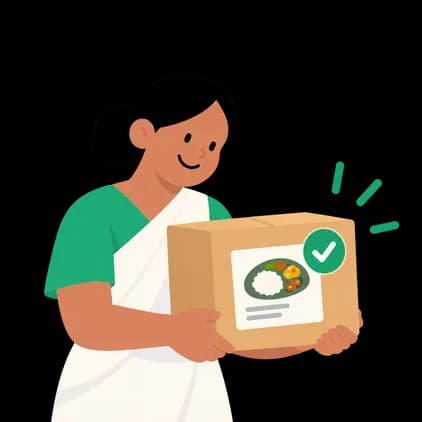
Embodiment
Supply–demand coordination system
Households declare, hospitals signal demand, volunteers deliver. WhatsApp-familiar updates plus task flows, offline-first with sync.
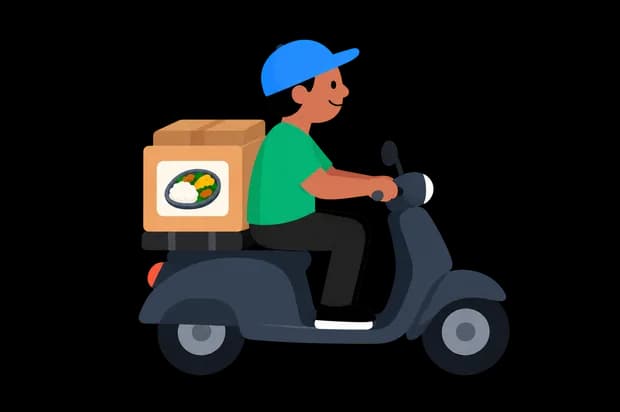
Constraints
Designing for everyday realities
Low-budget phones, limited app familiarity, and reliance on neighbours for reminders and coordination.
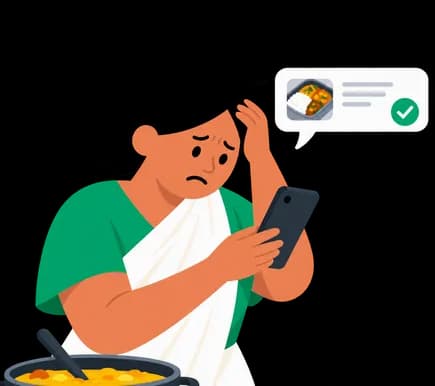

Functional · core operations
- Household meal declaration (date, quantity, time)
- Volunteer task assignment (pickup & delivery)
- Time-based coordination (meal readiness vs pickup)
- Pickup & delivery status tracking
- Real-time supply–demand matching
Non-functional · performance & experience
- Low-literacy friendly (icon + voice-first)
- Works with low / no internet (offline + sync)
- Fast on low-end devices
- Resilient to delays and cancellations
- Trust & transparency (tracking + verification)
Ideation
From sketchbook to four role-based flows
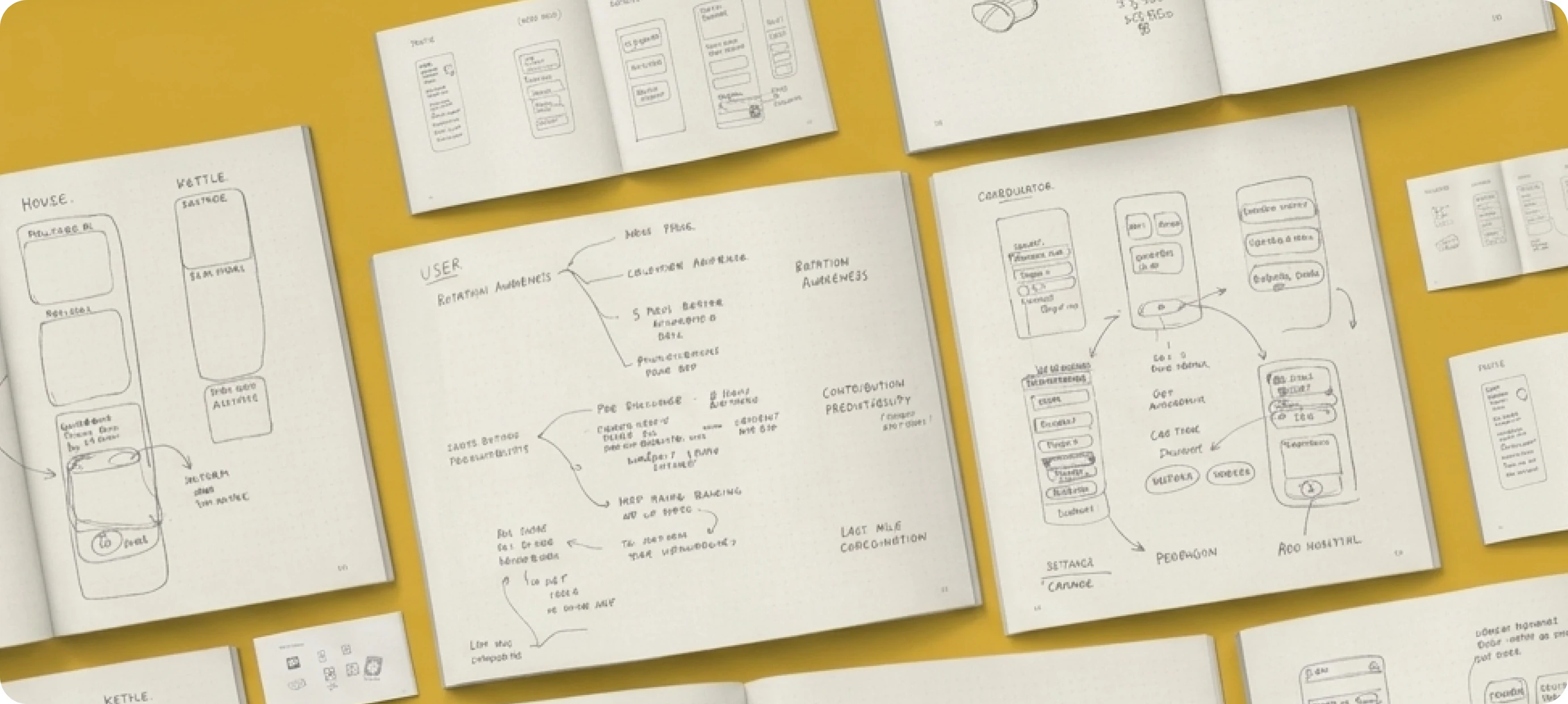
Early sketches turned insights into directions, then low-fidelity screens tested layout and flow for each role before any visual detail.
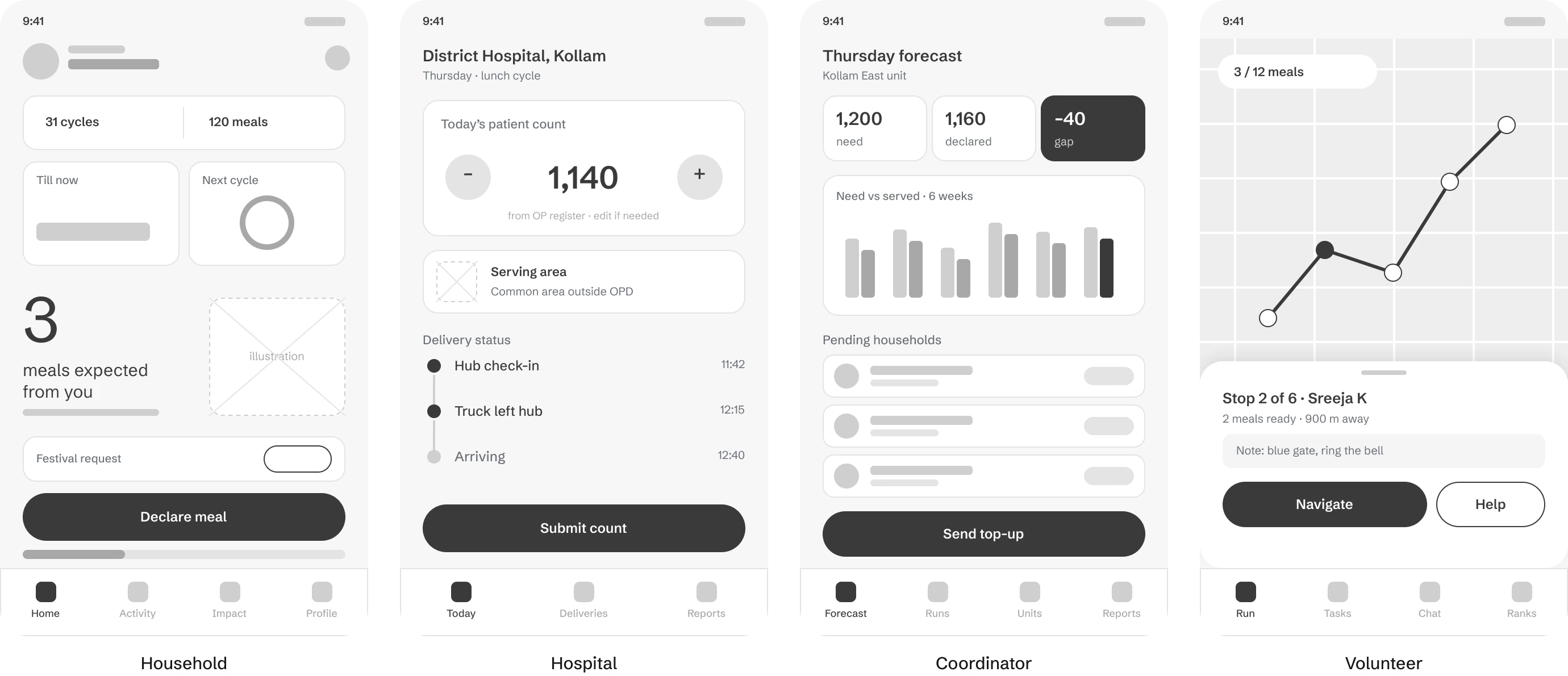
Patient count, OPD details, and other hospital data will be fetched directly from the online OP ticket system and managed in the backend, eliminating the need for a separate hospital screen.
Visual system
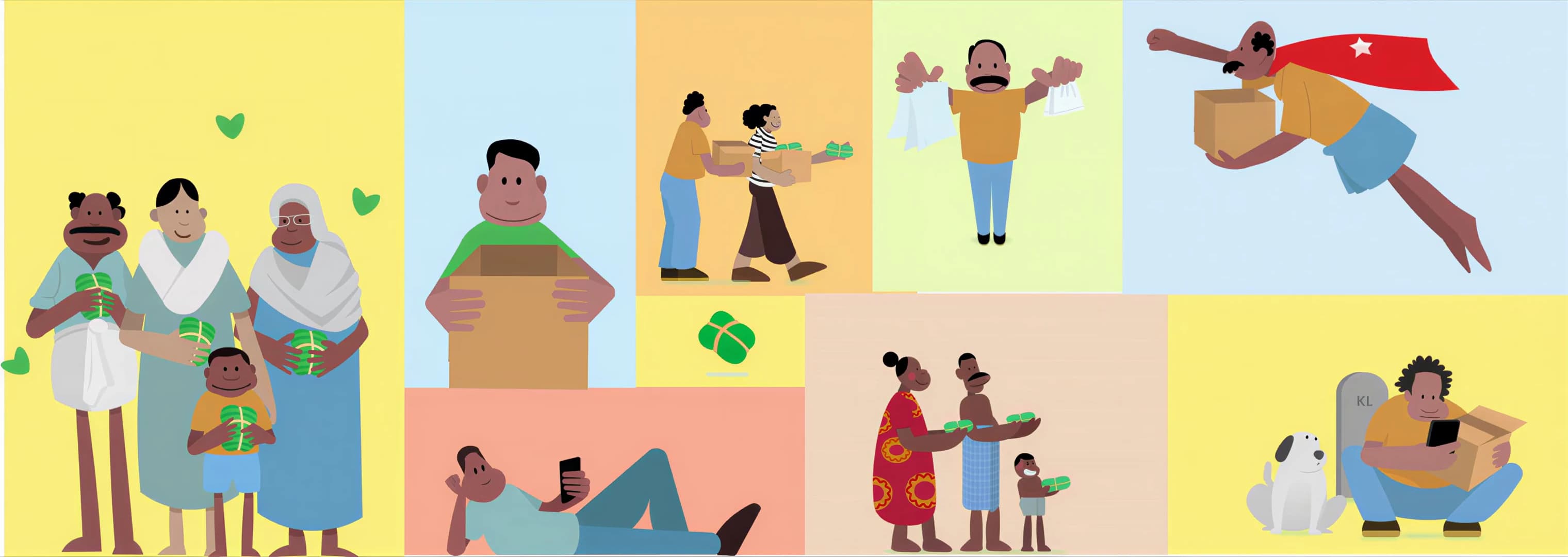
Warm, legible and icon-led, with characters for every role
Design system
One kit, three apps: household, volunteer and coordinator
Poppins · 4px grid · 48px tap targets · 12–36 type scale
Poppins
Light · Regular · Medium · SemiBold
- Impact greenProgress, success, active tab#06B33A
- InkThe one primary action#0F0F0F
- Streak orangeStreaks and warnings#F27326
- Alert redShortfalls, badges#E5484D
- SunIllustration · banners#FBEA9A
- SkyIllustration · maps#D6E8F7
- MangoIllustration · festival#F9D08A
- MistInputs, chips, surfaces#F2F2F2
- 3Display 36/48 · hero number
- Your impactH1 28/36
- 1,200 mealsH2 24/32
- Ask for helpH3 20/28
- Declare mealBody L 16/24 · buttons
- Ready since 11:02Body 14/20
- Served outside OPDCaption 12/16 · minimum
Buttons
Declare mealContributeConfirm areaChips & status
Tab bar · labelled
Icon + label on every tab, no icon-only navigation
Stat cards
List row
Unit progress
Live supply vs demand for the whole unit
Stepper & input
Slide to confirm
A deliberate gesture for actions that notify volunteers
Iconography · 2px stroke, rounded
Bell · pin · truck · chat · drop · checklist · voice · done
Large type, high contrast, icon + label pairs and voice prompts, so a first-time smartphone user can still declare a meal. Colour is never decoration: green means impact, black means the one thing to do next.
Solution
Three roles that take a meal from a kitchen to a hospital bed
8 screens · scroll sideways →
Household app
Cooks at home, declares meals and hands them over at the gate.
01Splash 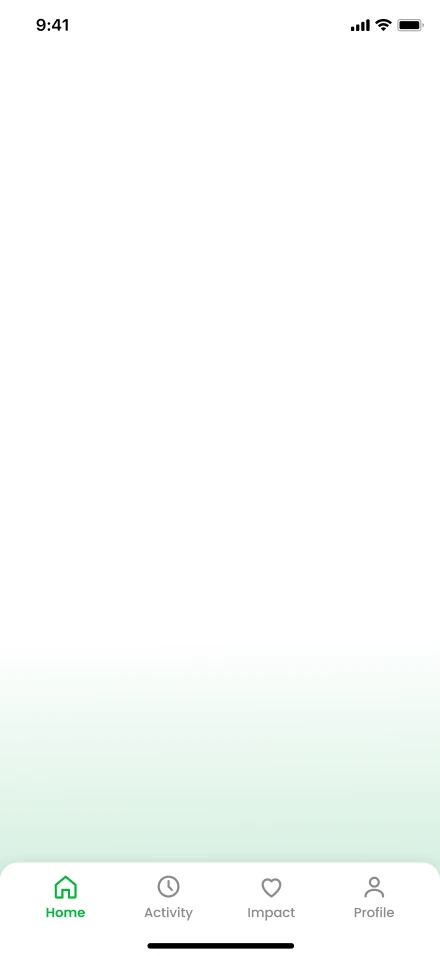
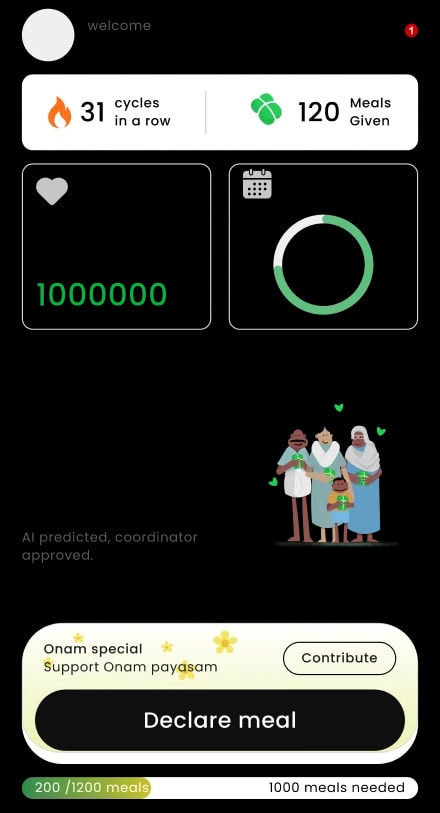
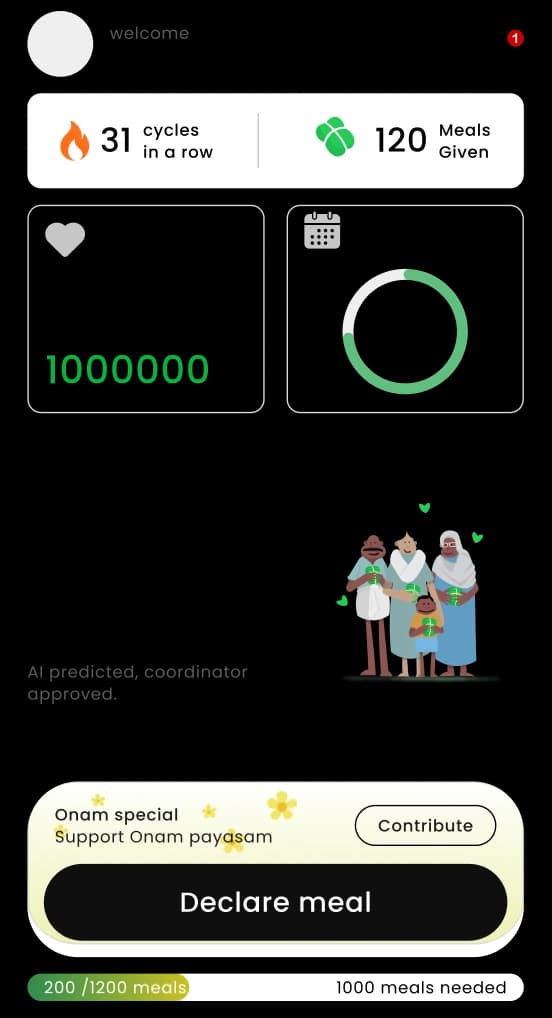
02Home · meals expected 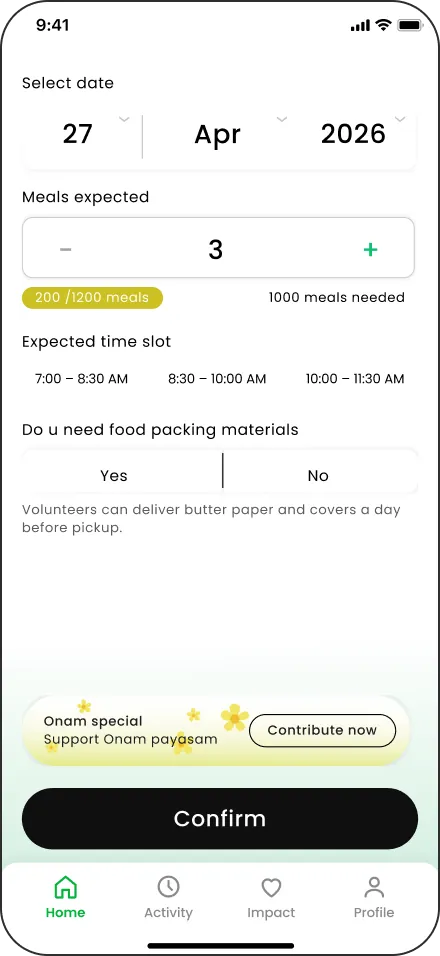
03Declare meal 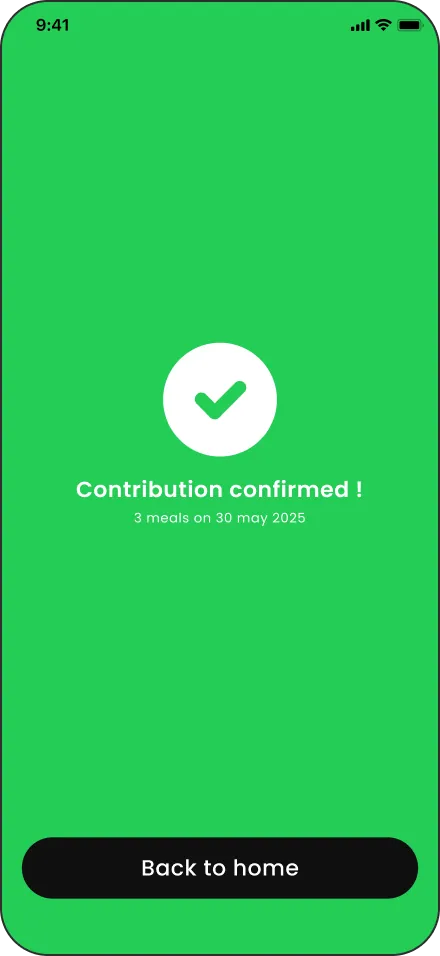
04Contribution confirmed 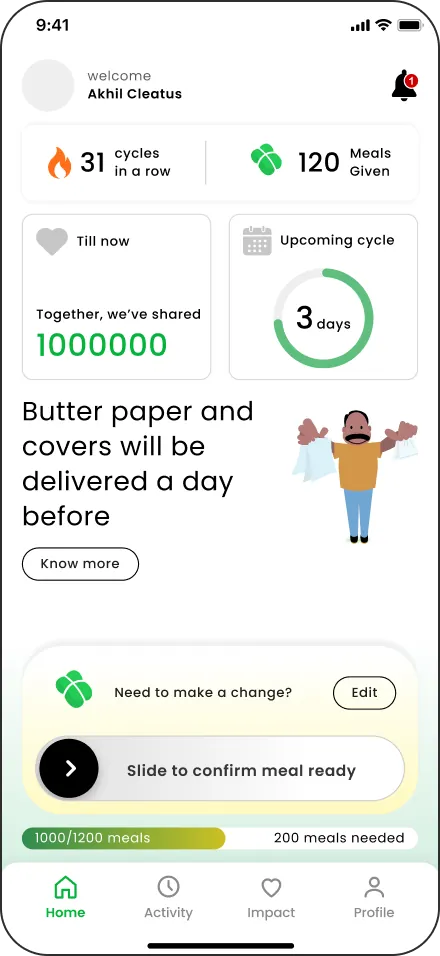
05Slide · meal ready 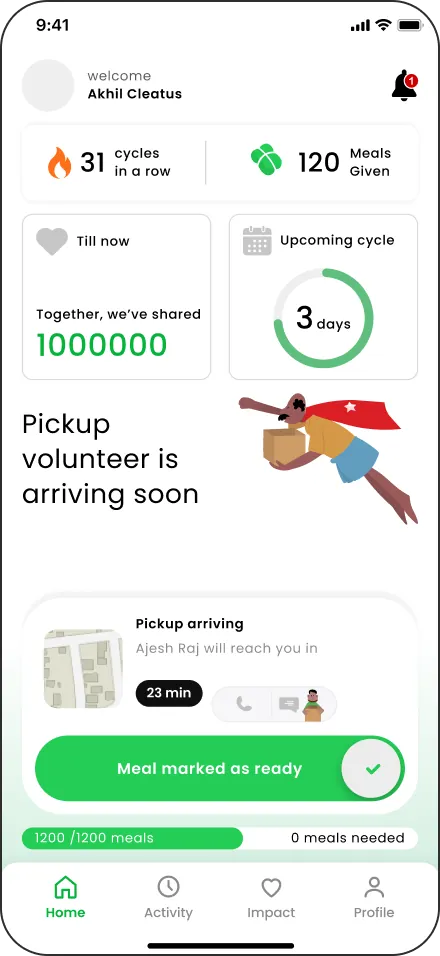
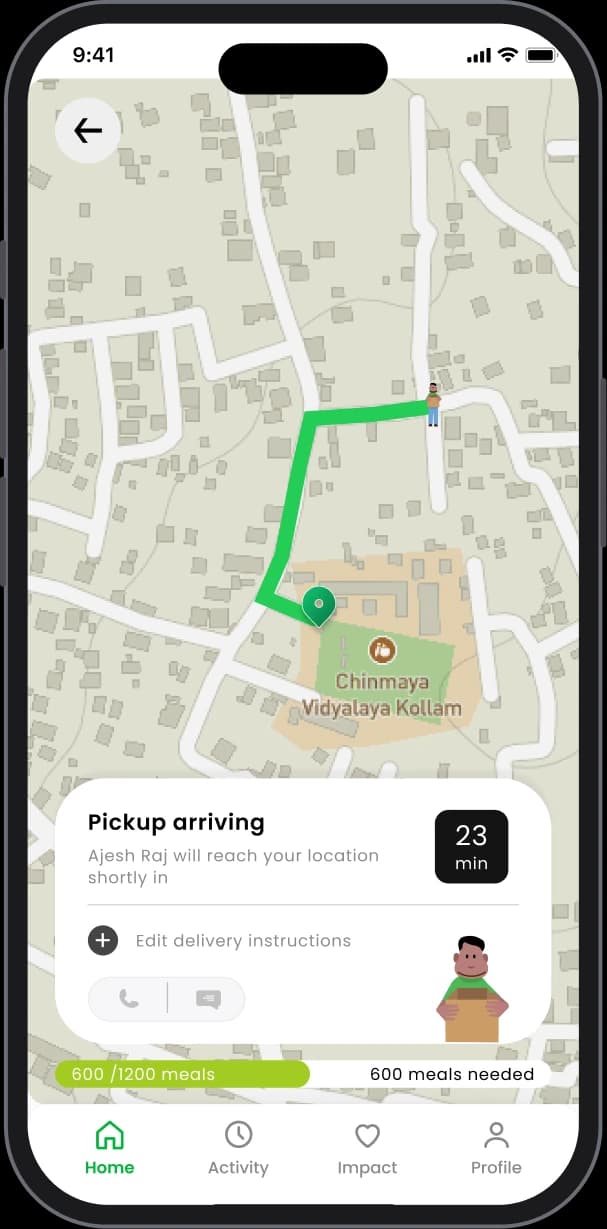
06Pickup arriving 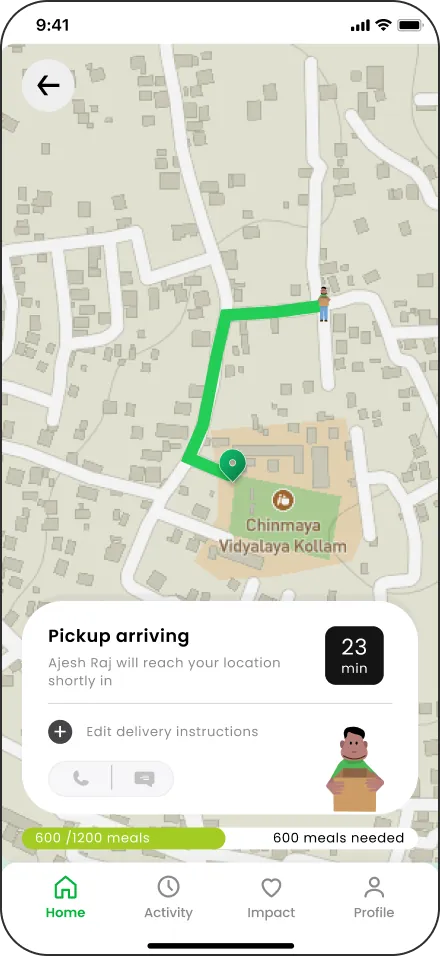
07Live tracking 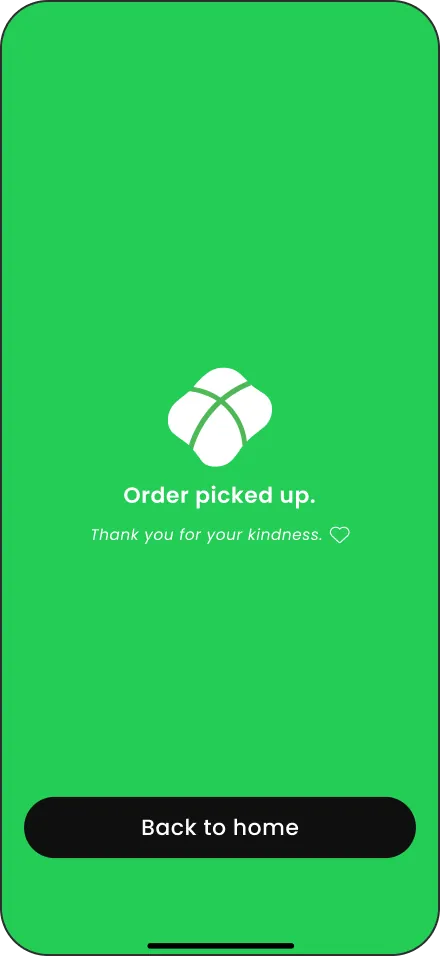
08Picked up · thank you
Key features
Responsive, predictive and trust-driven, not just functional

Location-based cycle updates
Upcoming cycles personalised and managed by coordinators

Live contribution tracking
Real-time updates that build transparency and trust

AI-assisted meal prediction
Optimised quantity with coordinator validation to reduce waste

Contextual contribution requests
Special meals during festivals and events

Pickup time coordination
Time slots that make volunteer pickup smooth

Pre-provided packaging
Materials delivered in advance on request
Smart meal suggestion
Suggested meal count, always editable

Alternate drop option
Drop at a common point if pickup is delayed
Five planes of UX
The app, exploded five planes of UX, from strategy to surface
Each layer of Hridaya Poorvam rests on the one below it. Click a plane to lift it out and read the decisions behind it.
Plays on its own · click any plane to explore
Five planes of UX
From why it exists to how it looks
Jesse James Garrett’s five planes, applied to Hridaya Poorvam. Strategy sits at the base and Surface on top. Pick a plane to lift it out.
Plane 05 · Surface
How it looks and feels
Warm and communal, never clinical. A white canvas, flat Kerala-family illustrations on pastel blocks, and colour that always has a job.
Visual language
- Green for impact
- Black for the one action
- Poppins, 12 to 28 scale
People should feel
- Donors: proud, connected
- Volunteers: trusted
- Coordinators: in control
- Impact #06b33a
- Action #111111
- Sun #fbea9a
- Sky #d6e8f7
- Hi-fi UI
- Style guide
- Prototype
Plane 04 · Skeleton
Where things go
Every key screen leads with today’s status and one primary action, sized for older hands and outdoor light.
Screens
- Donor home
- Volunteer dashboard
- Live map
- Hospital input
Navigation
- Labelled bottom tabs
- Malayalam / English
- Targets ≥ 48px
- Wireframes
- Nav spec
- Components
Plane 03 · Structure
How it fits together
Three roles, three short flows and one shared picture of today’s supply and demand.
Flows
- Donor: pledge → ready → impact
- Volunteer: map → collect → deliver
- Hospital: count → track
Errors
- No pledges yet
- Demand exceeds supply
- Location denied
- User flows
- IA map
- Error specs
Plane 02 · Scope
What we build first
Version 1 does six things well and says no to the rest, so a volunteer network can ship and sustain it.
In v1
- Meal pledge and ready toggle
- Hospital demand input
- Collection map
- Impact and leaderboard
Not yet
- Chat and payments
- Nutrition tracking
- Multi-city
- Requirements
- Functional specs
- Priority matrix
Plane 01 · Strategy
Why it exists, and for whom
Help DYFI run meal donation, collection and delivery to government hospital patients with zero waste and zero shortfall.
Users
- Donor households
- DYFI volunteers
- Hospital coordinators
Success
- 0 waste and 0 shortage days
- ≥40% less collection time
- Donor retention
- Vision doc
- Research
- 3 personas
- Stakeholder map
Anatomy of a screen
Peel back the five planes of each role’s home screen
Pick a role, then a plane, from Surface down to Strategy, to see which elements it shaped and why.
VIEW THE APP AS
Peel back a layer
Jesse James Garrett’s five planes, from concrete (top) to abstract (bottom).
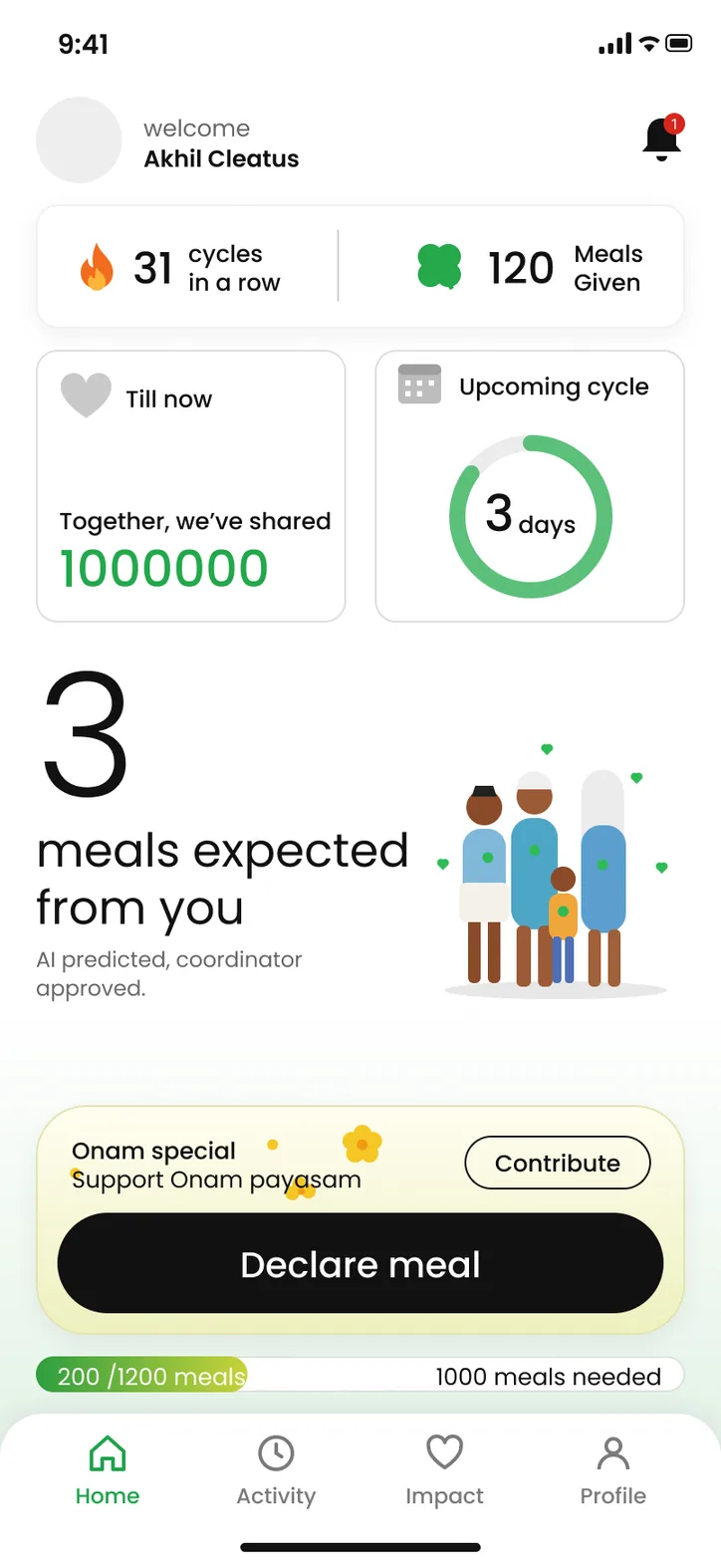
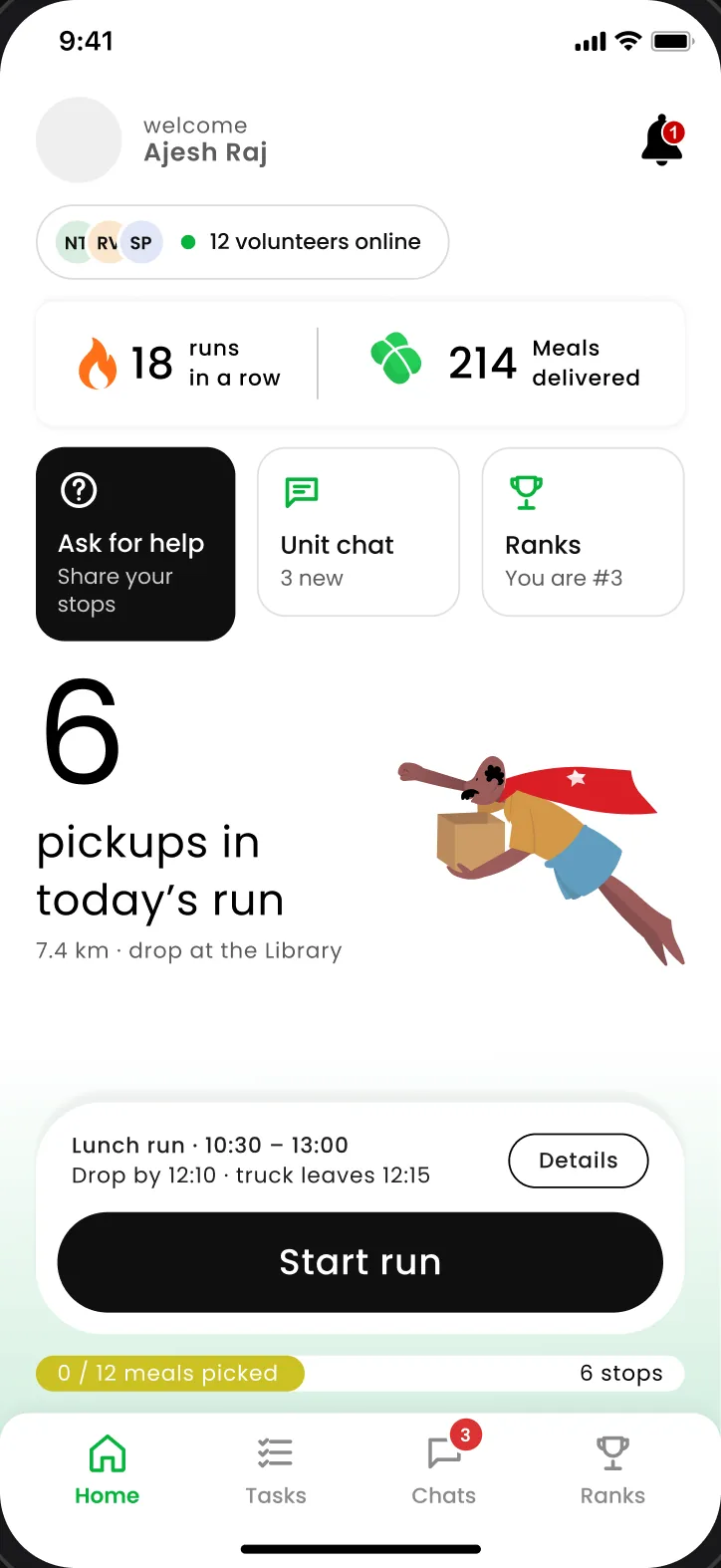
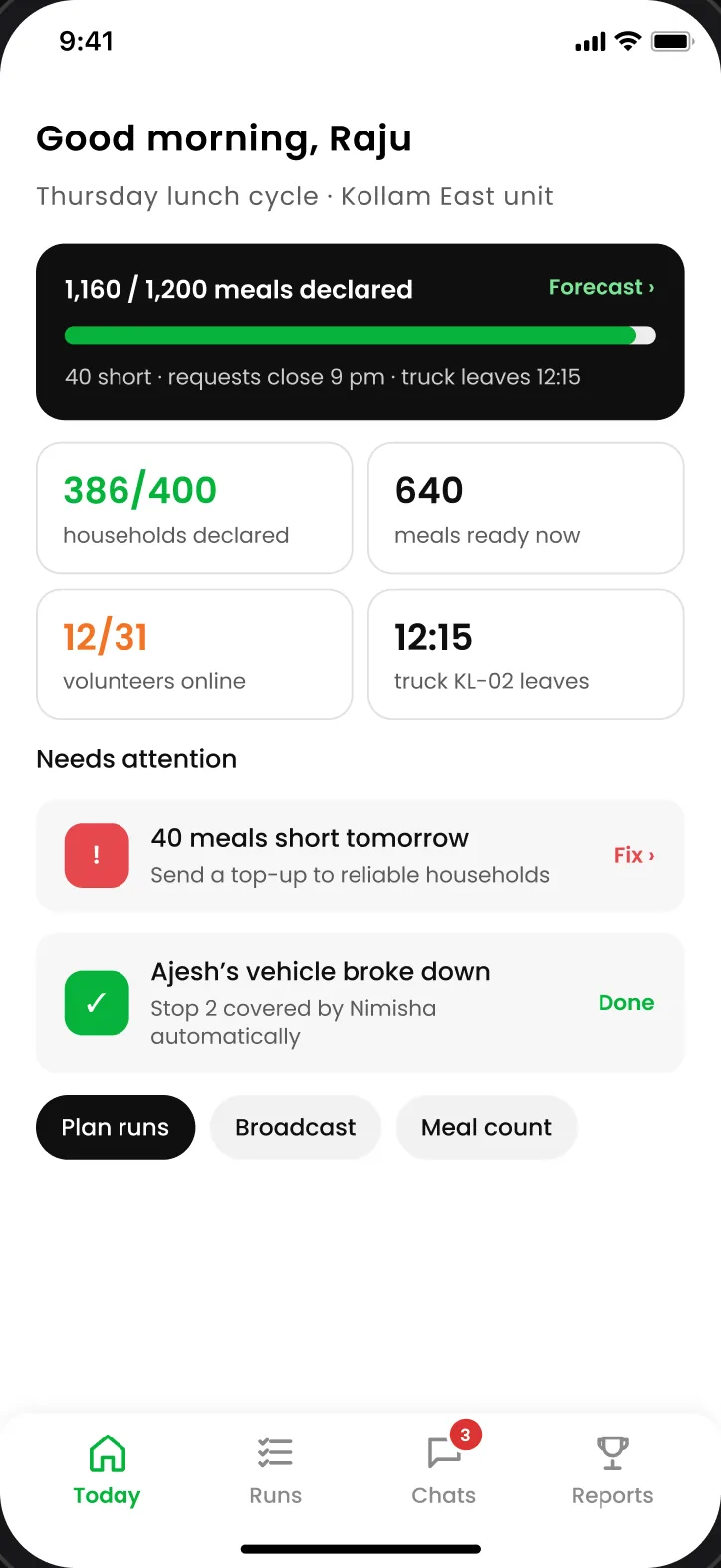
Plane 05 · Surface
What does it look like?
Warm, communal and dignified, never clinical.
- A numeral you feelThe 96px “3” and the Kerala family illustration make the ask personal before any text is read.
- Colour has a jobGreen only for impact and progress, black only for the single action. Nothing is decorative. Marked in 3 places on the screen.
- Type for older eyesPoppins on a 12–28 scale with nothing below 12px, readable on low-end phones in daylight.
Emotional goal
- Proud
- Connected
- Dignified
Plane 04 · Skeleton
Where do things go?
Layout follows the thumb and the glance.
- Action in the thumb zoneDeclare meal is a 56px full-width pill in the bottom third, reachable one-handed.
- Status at a glanceTwo equal cards answer “how much have we shared?” and “how long until the next cycle?”
- Labelled navigationFour tabs with icon + text and 48px targets, so first-time smartphone users never guess.
Layout rules
- 48px tap targets
- Bottom tab bar
- One primary action
Plane 03 · Structure
How does it fit together?
Hierarchy follows urgency, and every number leads somewhere.
- Ask firstThe screen opens on what is expected of you, then the action, then how the unit is doing.
- Cards drill downImpact opens “Your impact”; the countdown opens Declare meal. Marked in 2 places on the screen.
- A four-step loopHome · Activity · Impact · Profile mirrors the donor’s cycle: give, track, feel it, adjust.
Donor flow
- Pledge
- Mark ready
- See impact
Plane 02 · Scope
What does it include?
Only what a donor needs this week.
- Pledge as one numberMeals are AI-predicted and coordinator-approved, so a household confirms rather than calculates.
- Festival requestsCoordinators can ask for Onam payasam without running a separate campaign.
- Live unit demand“200 of 1,200 meals” shows the gap your kitchen is filling today.
Left out of v1
- Payments
- Nutrition tracking
- Multi-city
Plane 01 · Strategy
Why does it exist, and for whom?
DYFI needs zero waste and zero shortfall; donors need to give without confusion.
- Balance supply and demandShowing demand beside your pledge nudges households to cook the right amount.
- Remove the phone callOne tap replaces the WhatsApp back-and-forth about when and how many.
- Make kindness a habitThe streak counter targets the retention metric: repeat contributions.
Success metrics
- 0 waste days
- 0 shortage days
- −40% collection time
Outcome
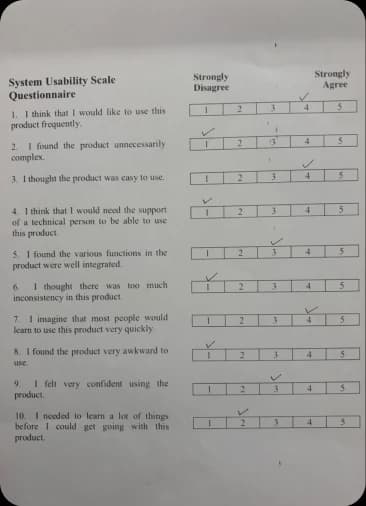
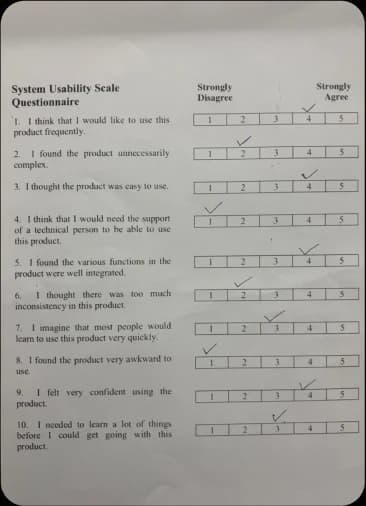
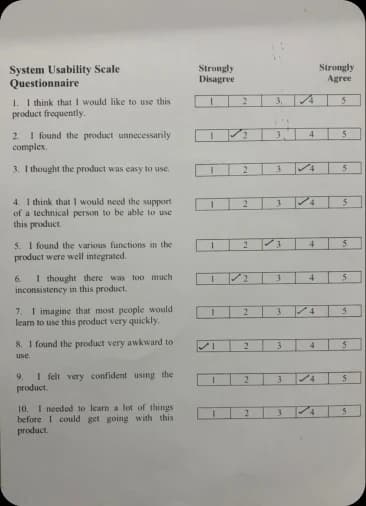
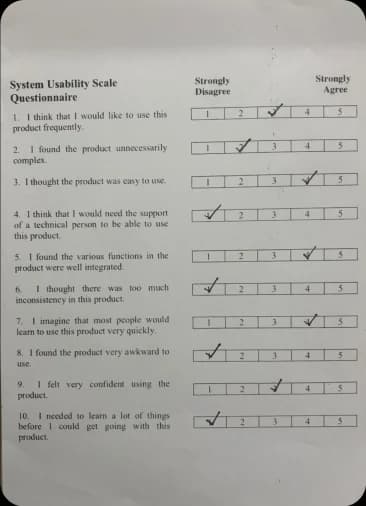
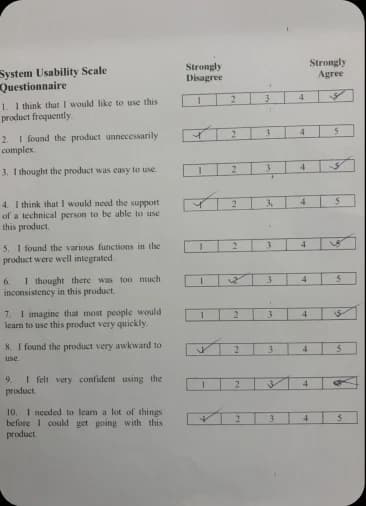
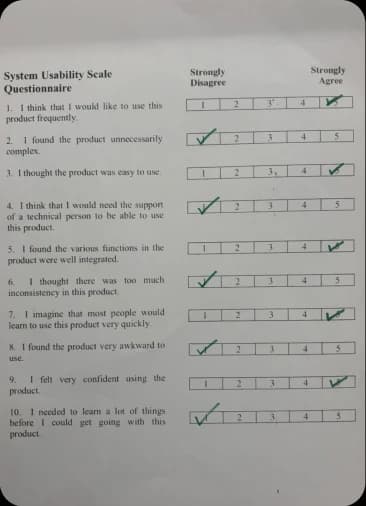
82.1
System Usability Scale · 6 participants
The app was tested with volunteers and industry professionals during my internship, including the Senior Design Intern, Design Manager (formerly at Google), and Project Manager at Flipkart. Feedback from these sessions helped evaluate usability and validate the role-based flows.
Reflection
From Community Initiative to Scalable System
Hridayapoorvam already had community trust. Industry feedback highlighted the need for a viable logistics model, so I pitched the concept to NGOs in Kochi to explore implementation. Systems mapping helped me see that impact depended less on adding screens and more on coordinating people, calls, and food distribution. My next step is to pilot the model with a local NGO, validate its operational feasibility, and test voice input with older contributors.